- DATE:
- AUTHOR:
- Cognitive3D
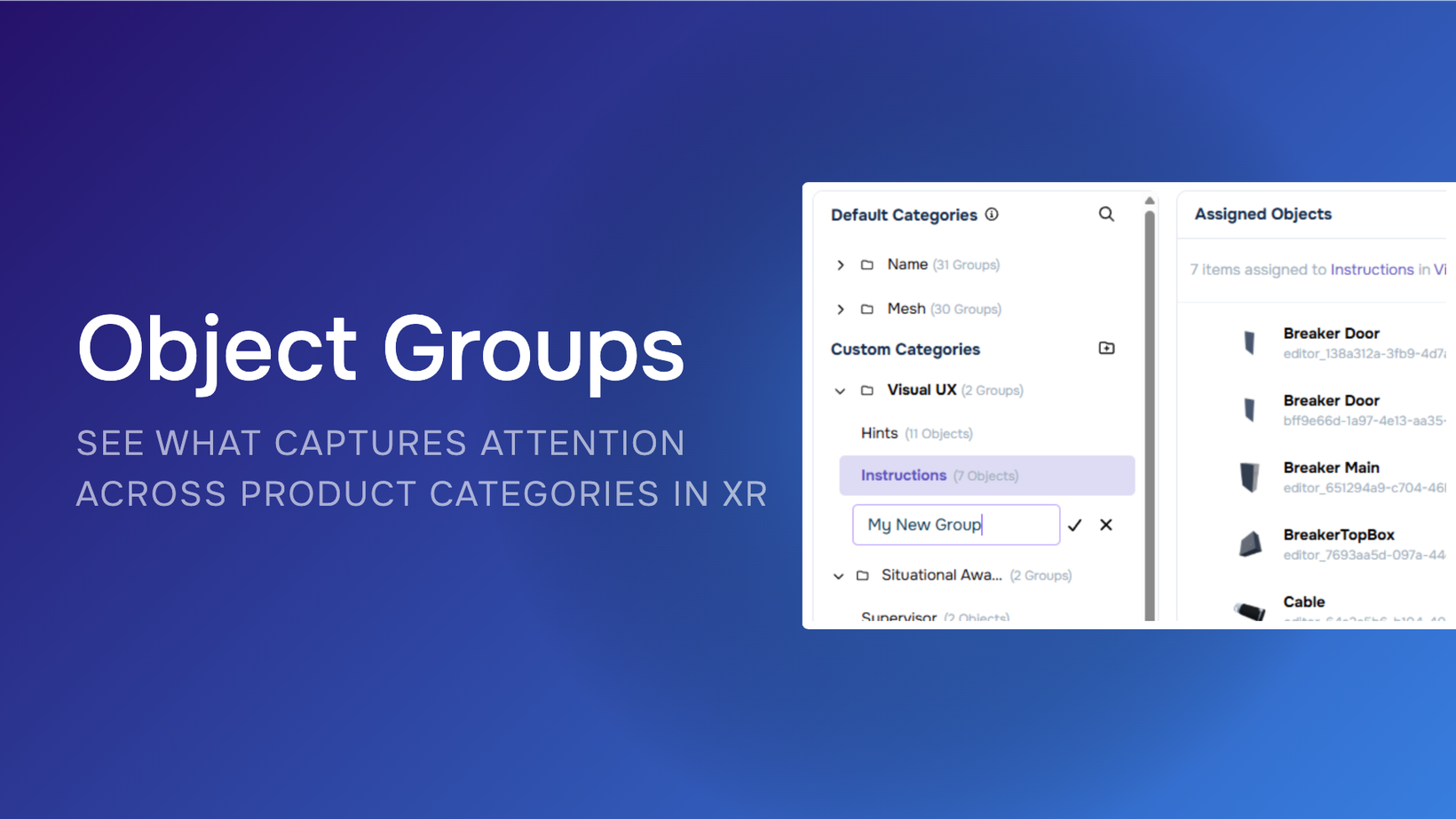
Object Groups for Category-Level XR Analytics
Key Features
Organize dynamic objects into custom groups to analyze categories such as brands, product types, shelf placements, equipment, or other attributes relevant to your study.
Compare group-level gaze and fixation metrics, including total gaze count, gaze duration, fixation count, and fixation duration.
Review summary metrics for each group, including object count, average gaze or fixation per session, and the number of sessions with gaze or fixation activity.
Create multiple ways to group the same objects, making it possible to analyze a single XR study by different categories or research questions without changing the underlying scene or recollecting data.
Start with default groups based on object name and mesh, then refine categories to match your specific analysis.
Export group-level results as CSV files for additional analysis, reporting, and BI workflows, with exports respecting the session filters applied in the dashboard.
Availability
Object Groups is available directly within Cognitive3D, giving teams a faster way to move from individual object analytics to category-level comparisons.
It can be used across object-rich XR experiences, including consumer research, retail and CPG studies, training simulations, automotive research, and spatial design studies.
Announcement: https://cognitive3d.com/blog/object-groups/
Documentation: https://docs.cognitive3d.com/dashboard/object-groups/?h=object+group