- DATE:
- AUTHOR:
- Cognitive3D
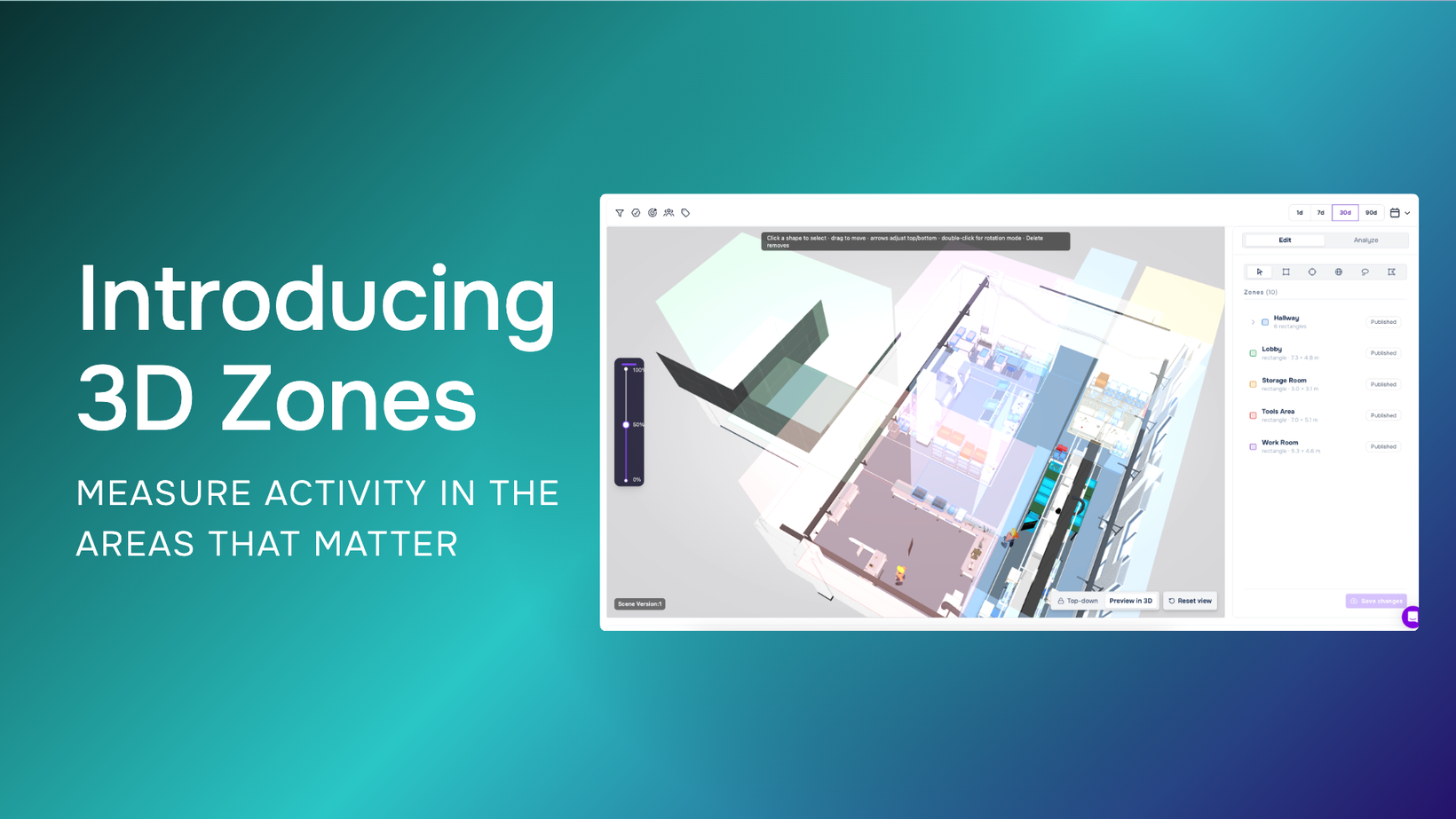
3D Zones: Measure Activity in the Areas That Matter
Key Features
Draw and name Zones directly within a 3D scene to define meaningful areas such as workbenches, loading zones, safety areas, inspection points, displays, or equipment stations.
Group multiple shapes into a single Zone, allowing more complex or disconnected areas to be measured together under one definition.
Automatically track visits to saved Zones during new sessions, including when participants enter and leave and how long they spend within an area.
Define different types of Zone visits based on position, gaze, or line of sight, giving teams flexibility in how they measure activity within an environment.
Use Analyze mode to explore historical gaze, position, and event data within an area before saving it as a Zone.
Compare Zone activity across sessions with the new Zones Report, including sessions per Zone, time spent, share of time, Zone maps, heatmaps, and visits over time.
Create Zone Objectives that incorporate location and duration into success criteria, such as requiring a participant to visit a specific area or remain there for a defined amount of time.
Availability
3D Zones is now generally available in Cognitive3D and appears as Zones within the dashboard.
Teams can define Zones within their 3D environments, explore historical spatial activity with Analyze mode, automatically measure visits in new sessions, compare behaviour across Zones, and incorporate location into Objectives.
Announcement: https://cognitive3d.com/blog/3D-Zones/
Documentation: https://docs.cognitive3d.com/dashboard/zones/