- DATE:
- AUTHOR:
- Cognitive3D
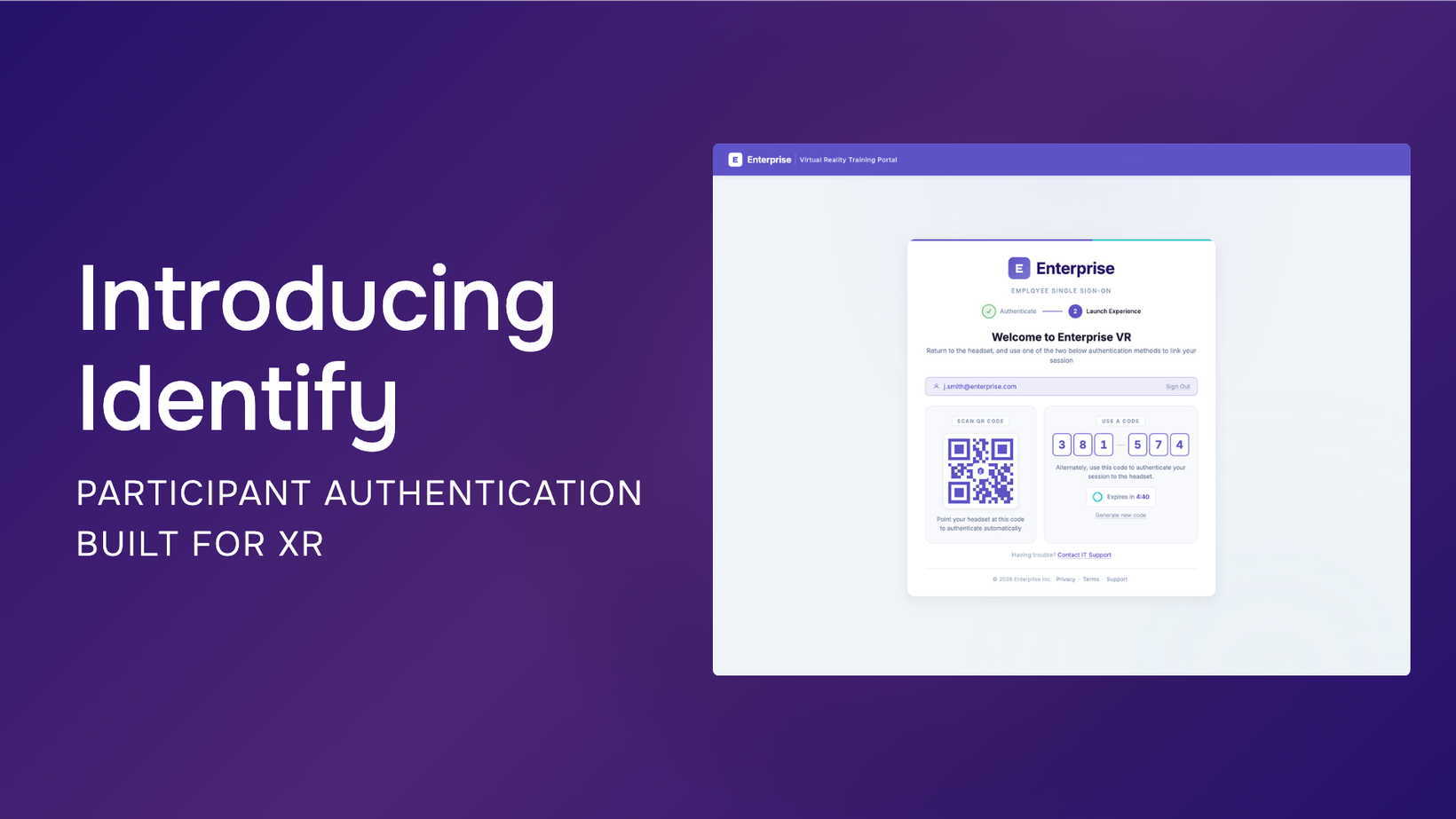
Identify: Participant Authentication Built for XR
Key Features
Connect XR sessions to verified participants, giving teams a reliable way to understand who completed an experience and associate their activity and results with their participant record.
Authenticate participants through your organization’s existing identity system using SSO, including SAML and OIDC, rather than requiring a separate XR-specific account system.
Allow participants to authenticate on a familiar device before entering XR, avoiding the need to type enterprise usernames and passwords using an in-headset keyboard.
Connect authenticated participants to the headset using a QR code or six-digit PIN, with an additional verbal code workflow available for supervised sessions.
Configure a branded Identify launch page with organization-specific colours, themes, and post-authentication destinations.
Use the Identify sample included with Cognitive3D Unity SDK 2.5.0 and later to add configurable QR, PIN, and Verbal Code identification workflows directly into Unity applications.
Associate verified identity with Cognitive3D participant records to review individual sessions, repeated participation, performance, and progress over time.
Integrate identity into broader enterprise training workflows, including LMS environments and training-data workflows using xAPI and SCORM.
Availability
Identify is generally available for Cognitive3D customers.
Organizations can configure Identify within Cognitive3D and connect their existing identity provider to create a participant authentication workflow suited to shared-headset training, research, and other enterprise XR deployments.
For Unity projects, the Identify sample is available with Cognitive3D Unity SDK 2.5.0 and later, providing ready-to-configure QR, PIN, and Verbal Code workflows for adding participant identification directly into an XR experience.
Announcement: https://cognitive3d.com/blog/identify/
Documentation: https://cognitive3d.com/product/identify/