- DATE:
- AUTHOR:
- Cognitive3D
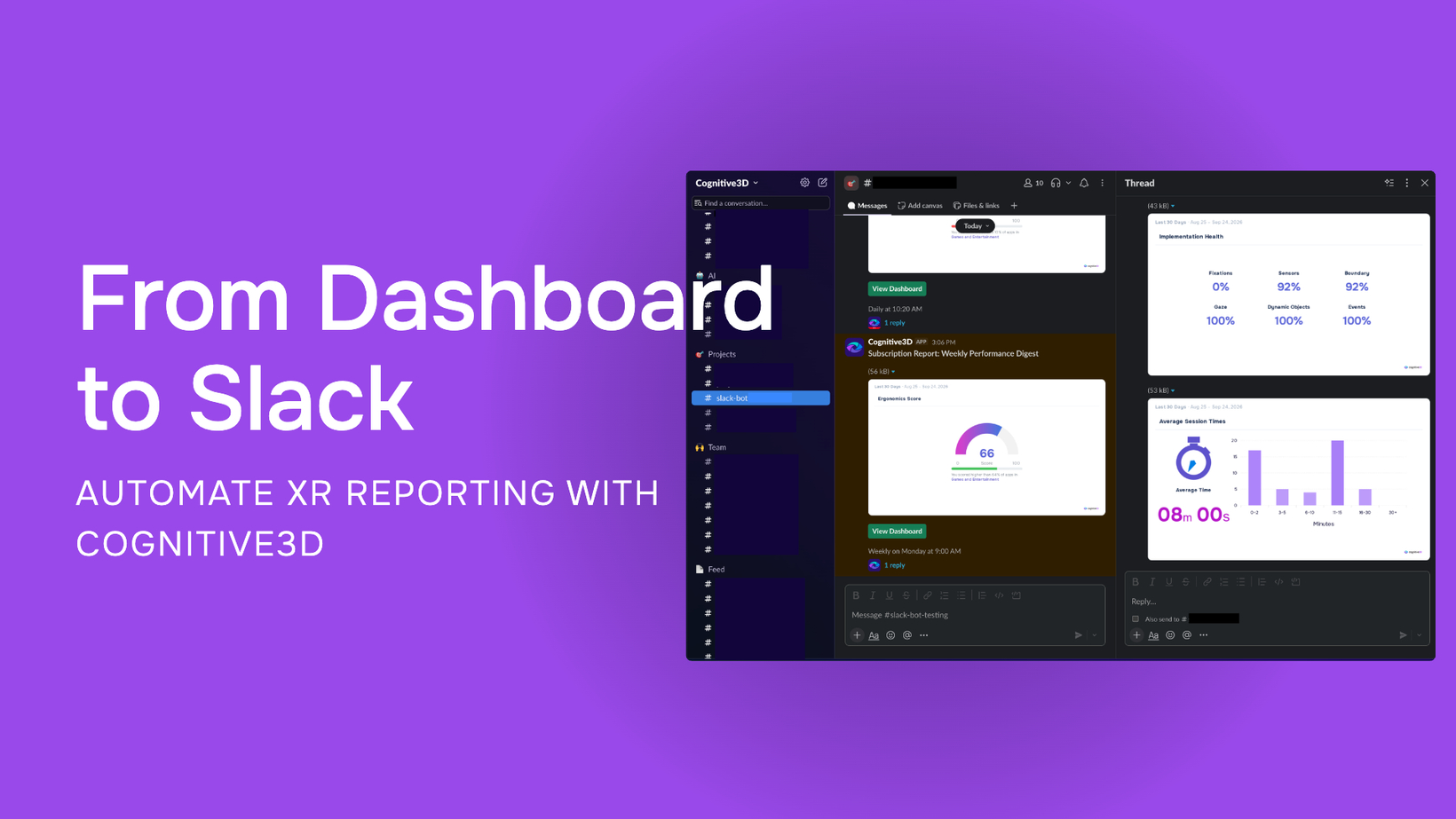
Automated Dashboard Reporting with Slack Integration
Automated Dashboard Reporting with Slack Integration
Key Features
Automatically deliver Cognitive3D dashboard reports, including charts, directly to selected Slack channels or email recipients.
Create recurring Report Subscriptions with daily, weekly, or monthly delivery schedules.
Configure the delivery time and timezone for each subscription to match the reporting needs of different teams and stakeholders.
Send reports to both public and private Slack channels once the Cognitive3D app has been invited to the selected channel.
Use a built-in test send to confirm that your Slack channel is connected and configured correctly before activating a subscription.
Connect a single Slack workspace to multiple Cognitive3D organizations, supporting reporting workflows across broader XR programs.
Availability
Slack integration and Report Subscriptions are available directly within Cognitive3D, giving teams a way to automate recurring XR reporting and bring dashboard insights into the tools they already use to collaborate.
Connect your Slack workspace, choose the dashboard you want to share, select your recipients and reporting cadence, and Cognitive3D will automatically handle recurring delivery.
Set up your Slack integration: https://app.cognitive3d.com/go-to/v3/settings/organizations/integrations
Set up your Report Subscriptions to Slack here: https://app.cognitive3d.com/go-to/v3/settings/organizations/reportsubscriptions
Announcement: https://cognitive3d.com/blog/slack-dashboard-integration/